 Fradomos
Switch everything
Lights, fans, sockets and heaters by room. “Turn everything off” in one tap.
One simple app to switch, watch and set up your home — at home and, if you like, from anywhere. Made for the whole family.
One email on release day. Nothing else.
Lights, fans, sockets and heaters by room. “Turn everything off” in one tap.
Power, temperature, mode and fan for air conditioners; the usual buttons for TVs.
A notification for gas, temperature limits or a circuit that went offline.
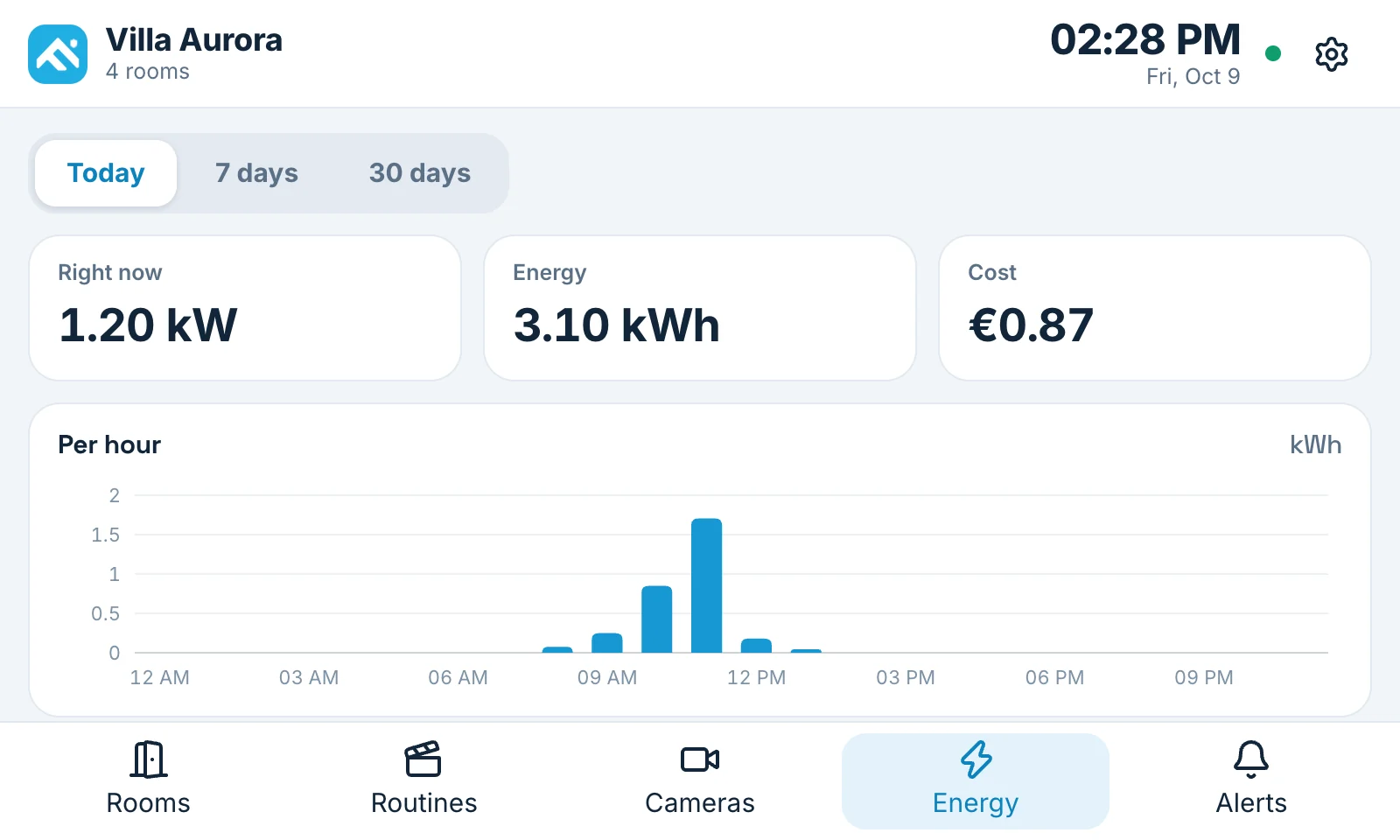
What you use now, today and this month, and which rooms use most.
Live view of your cameras, for the people you allow.
Your home as a live map. Tap a lamp to switch it.
Add circuit boards with the phone camera or Bluetooth. No cables.
Lock the app itself so a borrowed phone cannot open your home.
The wall panel shows the same rooms and devices as the app, on a touch screen that is always there. See the energy, switch a room, and get the red gas warning where everybody can see it.
iPhone and Android phones. On iPhone, please allow the app to find devices on your local network so it can find your box at home.
No. At home you sign in to your own box with the name and password the house admin gave you. An account with us is not needed.
Yes, with a remote access plan. Without one, the app works at home on your Wi-Fi.
Yes. Your box has its own web page for your home, and there is a web page for remote access. The app is the most convenient, with notifications and Face ID or fingerprint lock.
The app is being released now. Leave your email on this page and we write to you the day it is in the App Store and on Google Play.
Read how it works, or go through the first steps in the help center.