 Fradomos
 Beam
Control your TV, air conditioner and projector from your phone.
The problem
Too many remotes
One for the TV, one for the air conditioner, one for the projector. The one you need is never where you are.
Things stay on when you leave
The air conditioner runs in an empty house and the TV plays to nobody.
Your devices are not smart
They were made years ago and cannot connect to anything. With a Beam they can be controlled from the app.
How it works for you
- 1Place it in the room
Plug it into a USB charger where it can see the TV or the air conditioner.
- 2Add it in the app
Scan its code and choose your Wi-Fi. The app sets it up over Bluetooth, you type nothing on the unit.
- 3Choose your device
Search the exact brand and model in the Fradomos list. Every button of its remote comes along.
- 4Control it
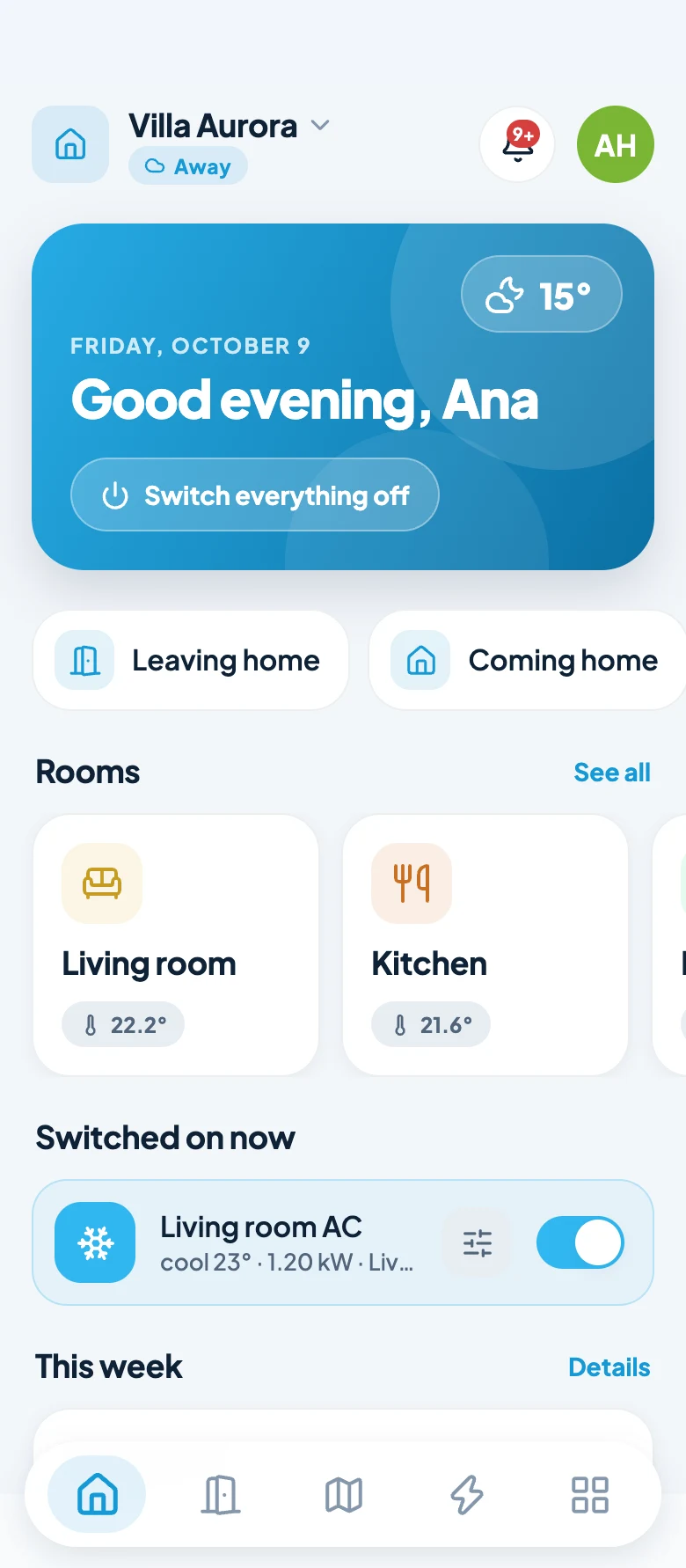
Use the remote screen in the app, or put it in a routine like “Leaving home”.
Where you use it
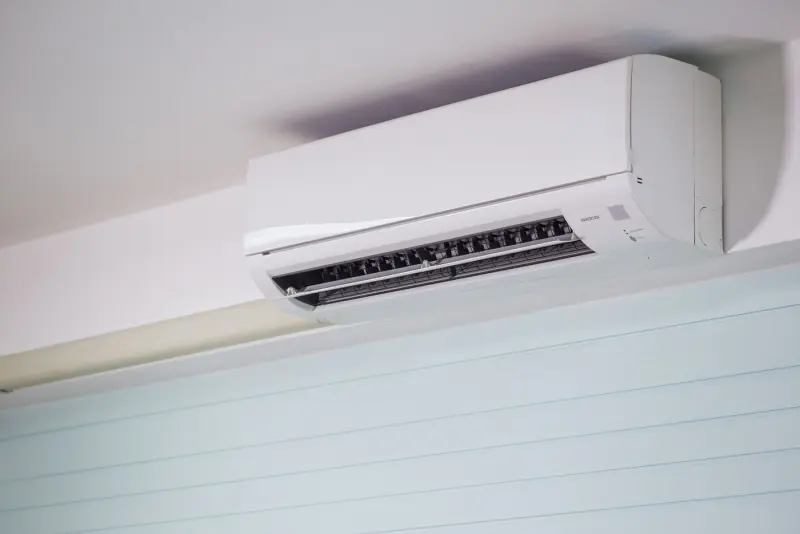
Air conditioner
Switch it on or off, set the mode, the temperature and the fan, from anywhere.
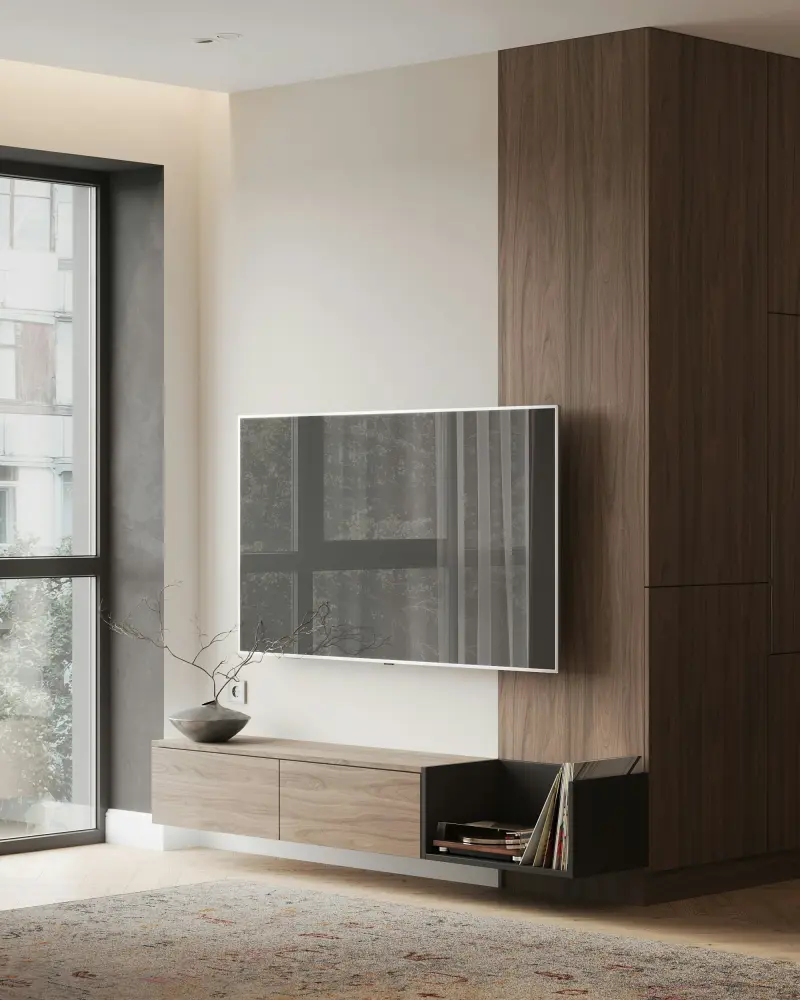
TV and TV box
Volume, channels, menu and every other button of the original remote.
Projector
Power, input, volume, freeze and blank, without looking for the remote.
Routines
Leaving home: air conditioner and TV off. Coming home: TV on.
What it gives you
- Control devices that were never smart
- One Beam looks after every device in its room
- The exact model, so the buttons are the right ones
- Works at home without the internet
Infrared only sends, it cannot see whether the device really switched. The app shows the last state it sent; if you used the original remote, correct it with one tap.
About the Fradomos Beam
Do I need a Beam in every room?
Infrared needs a clear view of the device, like a remote. One Beam per room works best, and one Beam can look after every device in that room.
Will it work with my brand?
Search your exact brand and model in the app. The list grows as we test more remotes. If yours is not there, tell us and we add it.
Can I use it without the internet?
Yes, at home. The list of models is only read once, when you add a device. After that the codes are saved in your home.
Does it see through walls?
No. Like a remote it needs to see the device, and it reaches several metres in a normal room.
Works well together with
Want it in your home?
Tell us about your home and we help you choose.