 Fradomos
Chrome only allows the microphone on secure pages. The local dashboard of your Fradomos box (for example http://192.168.1.50:8080) is on your own network and is not "https", so Chrome says no. One setting tells Chrome to trust your box, and only your box.
Note: Do this once on every computer where you want to talk to Fraddo. It works in Google Chrome and Microsoft Edge (use edge://flags). Safari and Firefox do not have this setting. On an iPhone use the Fradomos app.Find your address
Copy the address you type to open the local dashboard, for example http://192.168.1.50:8080. Keep http:// at the start and the port number at the end. Nothing after the port.
Turn it on
- Click the address bar of Chrome, type
chrome://flags/#unsafely-treat-insecure-origin-as-secureand press Enter. - Chrome shows Insecure origins treated as secure, highlighted in yellow. Click the empty box under it.
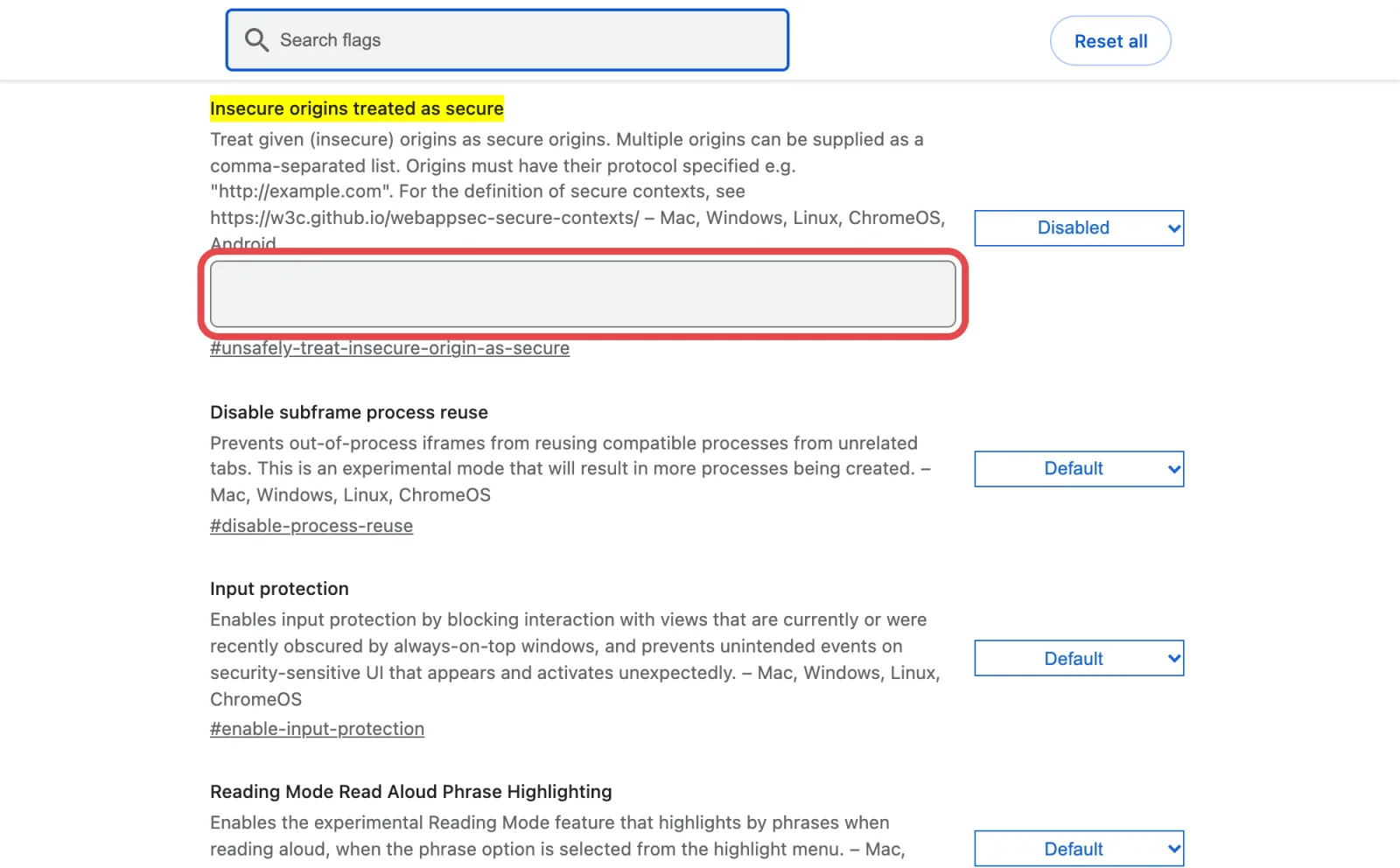
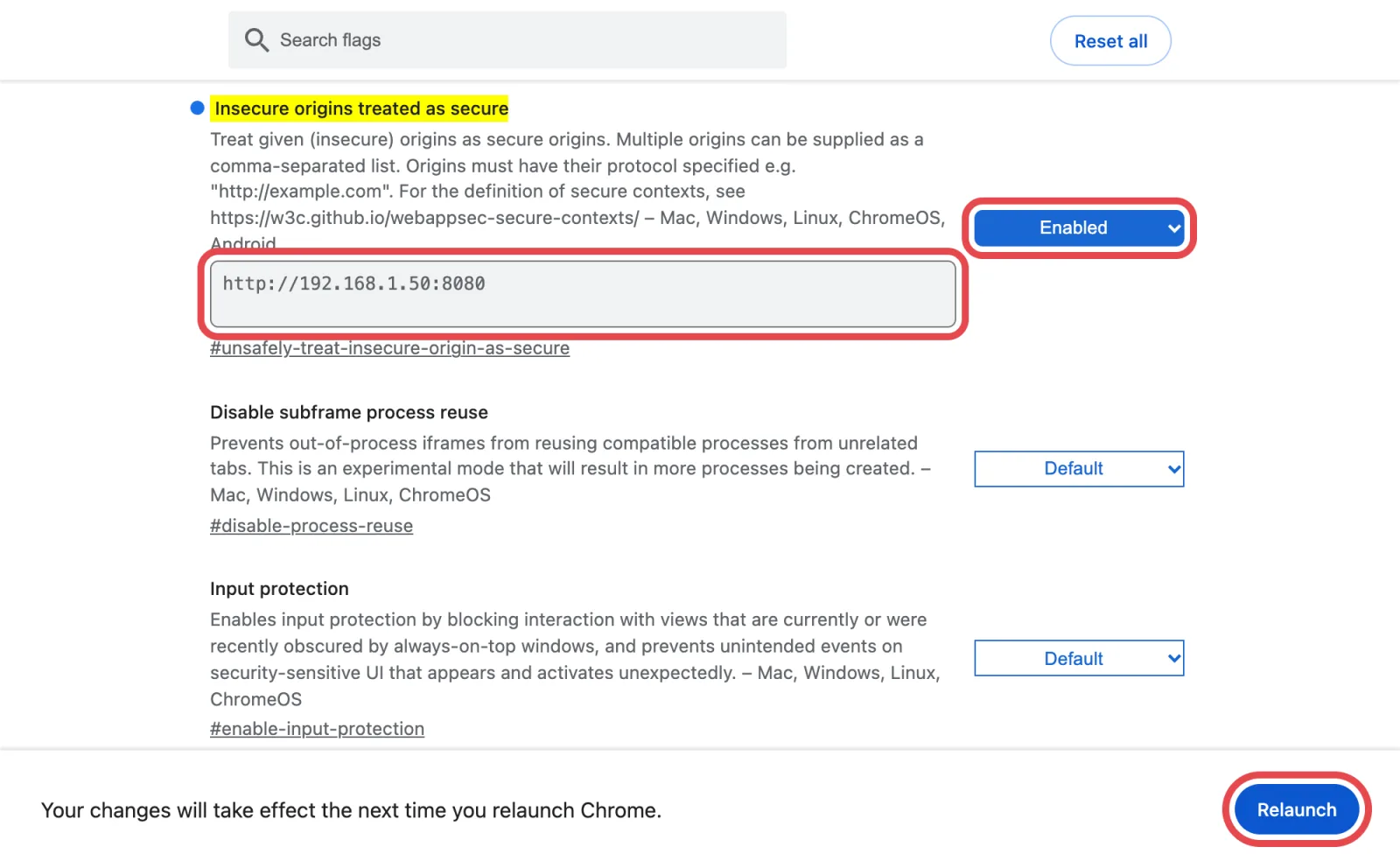
- Type the address of your local dashboard in the box. For more than one box, put a comma between the addresses.
- Change the drop-down on the right from Disabled to Enabled.
- Click Relaunch at the bottom. Chrome closes and opens again with your tabs.
Talk to Fraddo
- Open your local dashboard. A round microphone button is in the bottom-right corner.
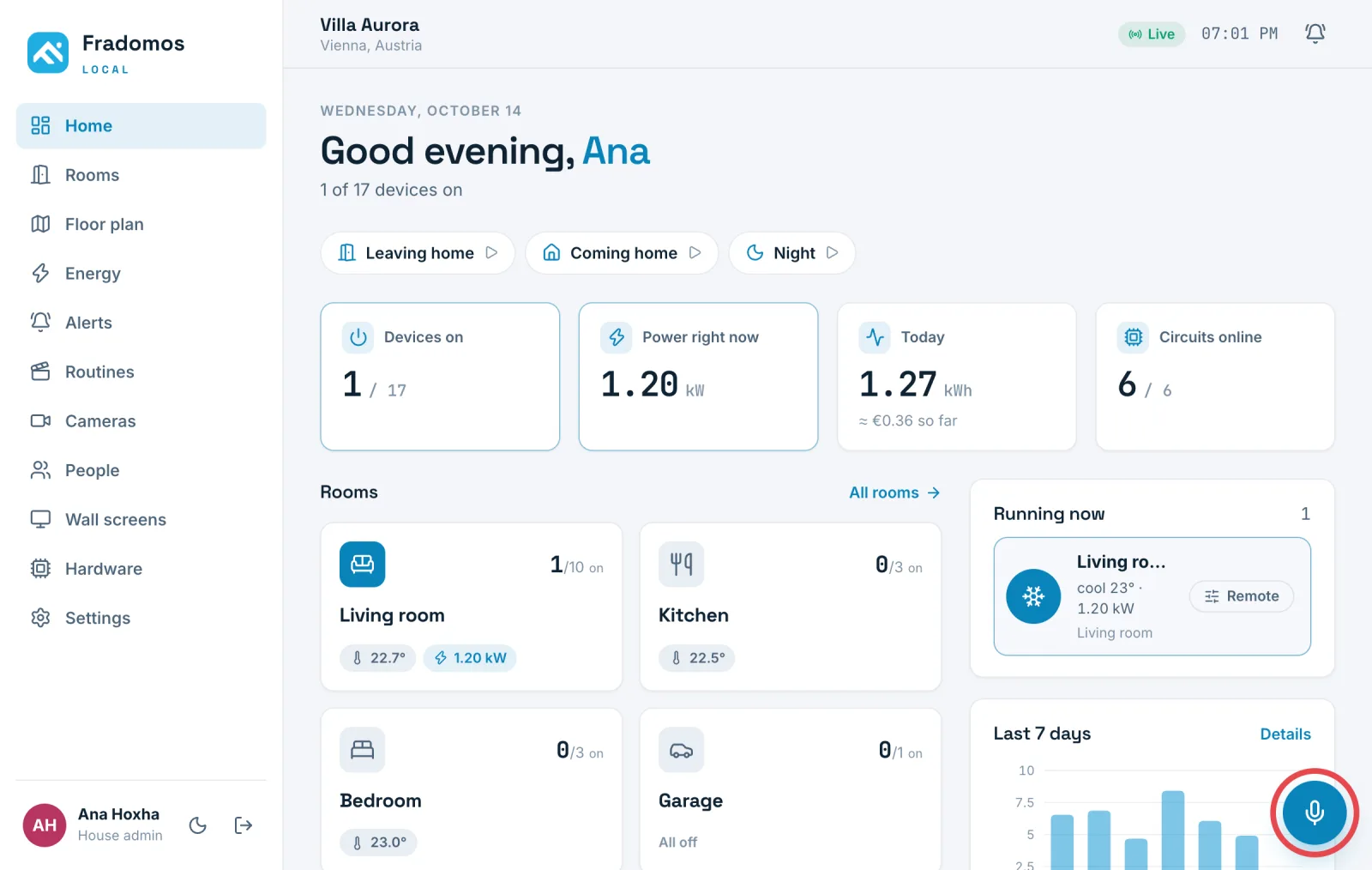
- Click it. The first time, Chrome asks to use your microphone. Click Allow.
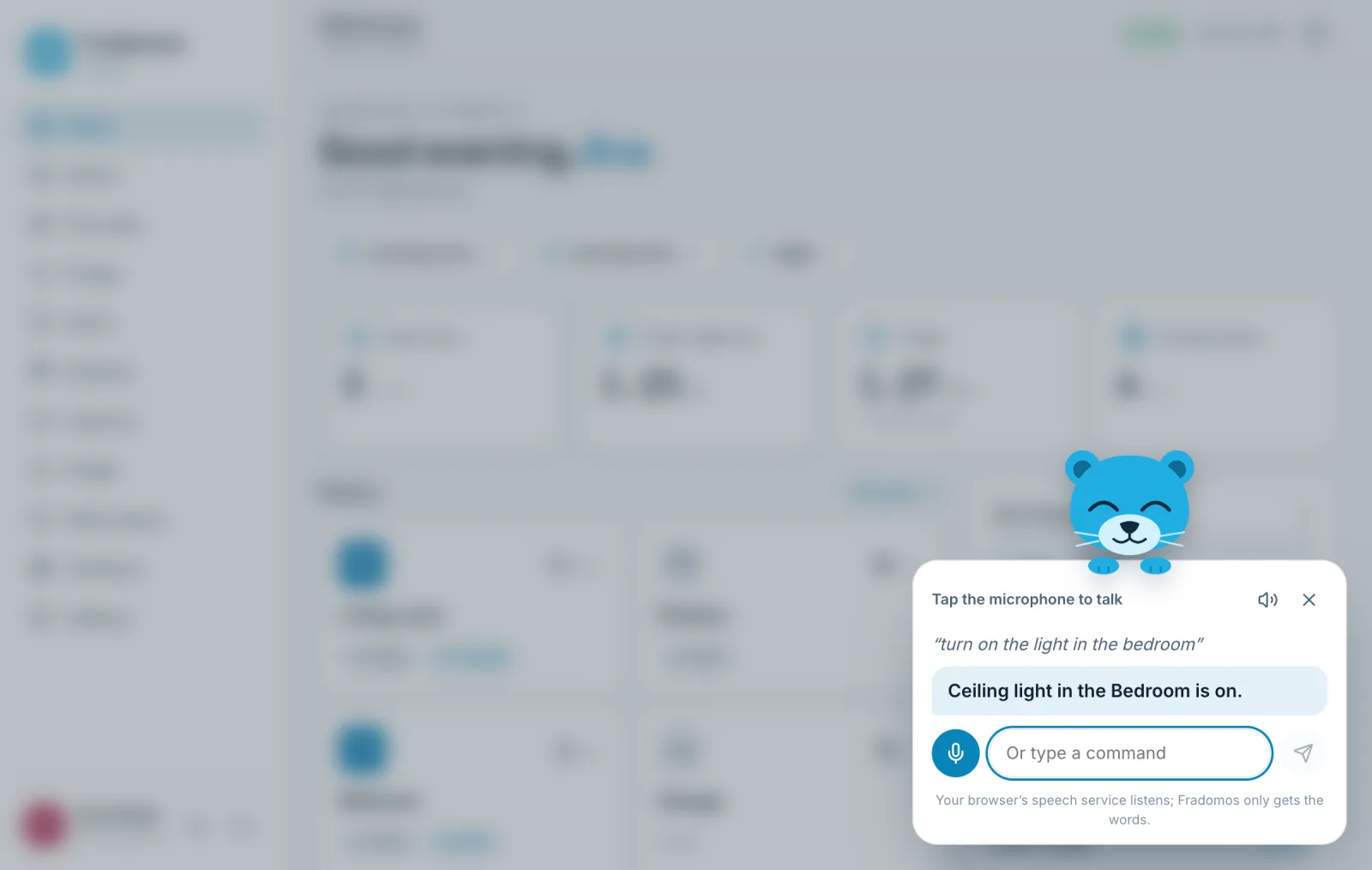
- Fraddo says hello and listens. Say, for example, “Turn on the light in the bedroom”. You can also type the command in the box.
If it does not work
- Look at the address in the Chrome box again. It must be exactly the one in your address bar, with
http://and the port, and no slash at the end. - Did you click Relaunch? The setting only works after Chrome starts again.
- Click the icon at the left of the address bar, open Site settings and set Microphone to Allow.
- No microphone on the computer? You can still type commands to Fraddo.
Careful: This setting makes Chrome trust one address as if it were secure. Use it only for your own Fradomos box, never for a website you do not know. To undo it, set the drop-down back to Default and relaunch Chrome.
Tip: Chrome's speech service turns your voice into words. Fradomos only receives the words, never the sound.